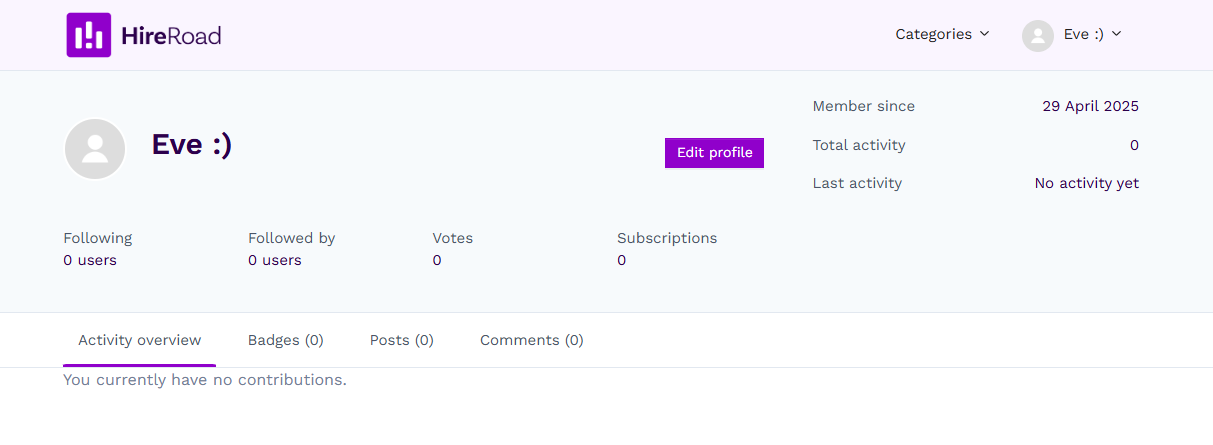
Aliases are a feature that exists that can be very useful to those who don't want to share their full name in the PeopleInsight Community.
1. Locate your Profile
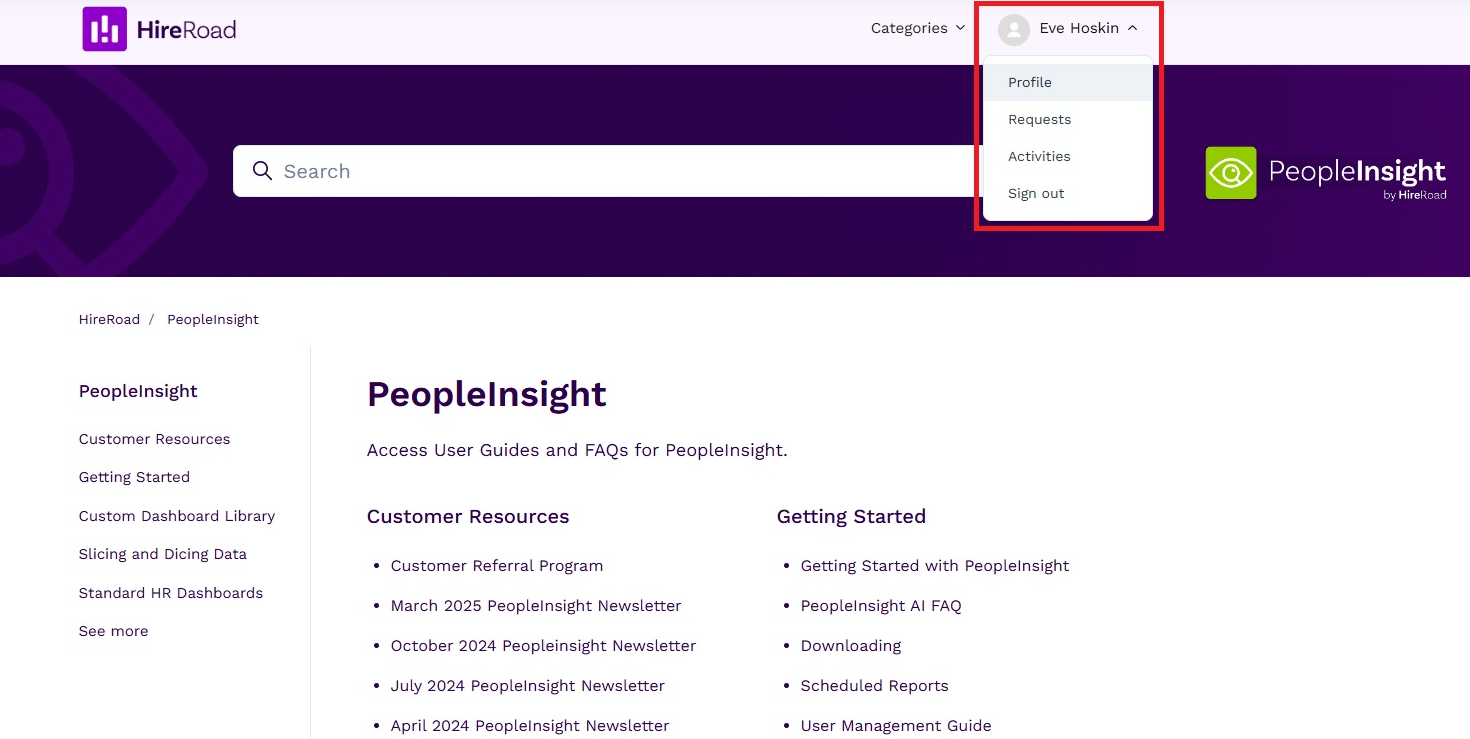
Locate your profile by clicking on your name in the top right of either the Knowledge Base or Community and then click "Profile. These resources share a single profile and any updates made will apply across both.
2. Click "Edit profile"
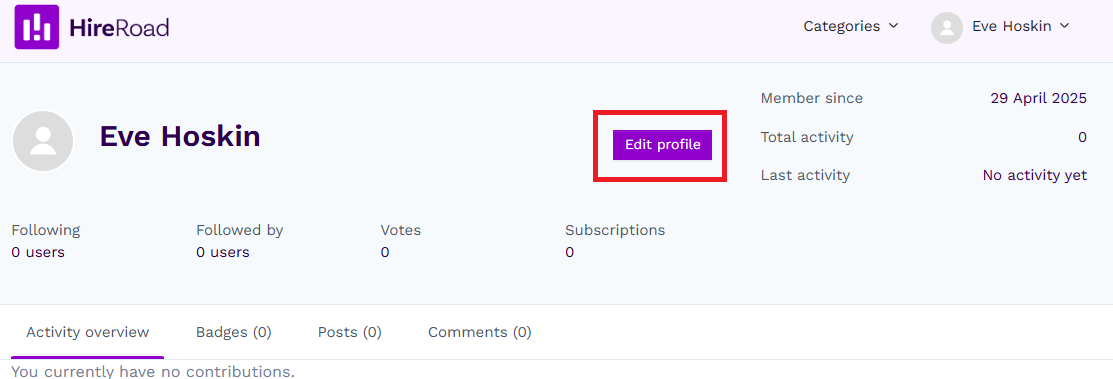
Click "Edit profile" to open the profile editing window.
3. Add an Alias
Type your desired Alias into the "Alias" textbox. Here you can also upload a profile picture if you would like. Since Zendesk is accessed through SSO on yourpeopleinsight.com, changes can not be made to your email.
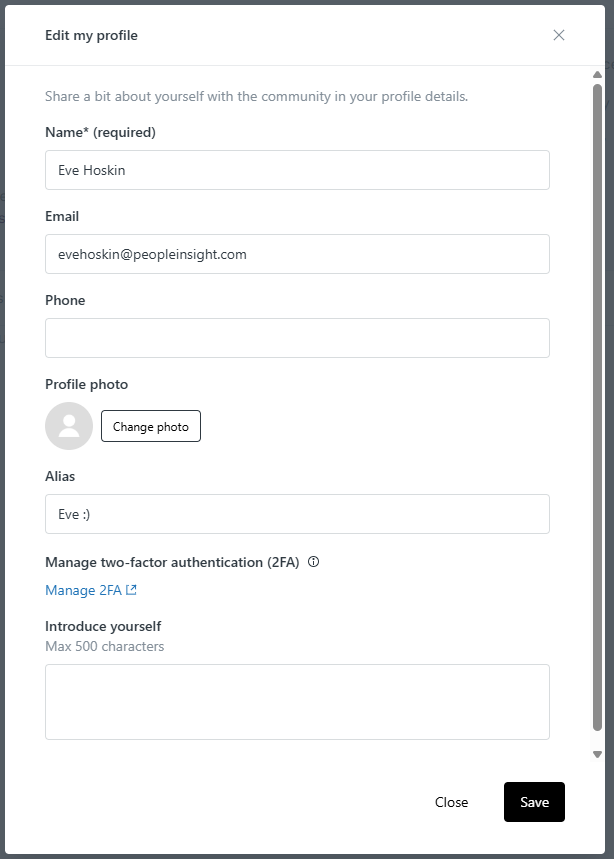
4. Press "Save"
Once you have saved your changes, your alias will appear as your name in the Community and Knowledge Base.