
Hierarchies are a tool in PeopleInsight that allows you to choose the level of detail that you see for a field that exists in a natural hierarchy. This article will go over where to find hierarchies, how to use hierarchies, as well as examples.
Where to Find Hierarchies
If you hover over a field and a [+] appears, this means that the field is an expandable hierarchy. This is most commonly found on date fields, but can also be found on other fields that have a clear hierarchy, such as Source Category and Source.
For example, hovering over the dates on the bottom of this chart causes a [+] to appear.
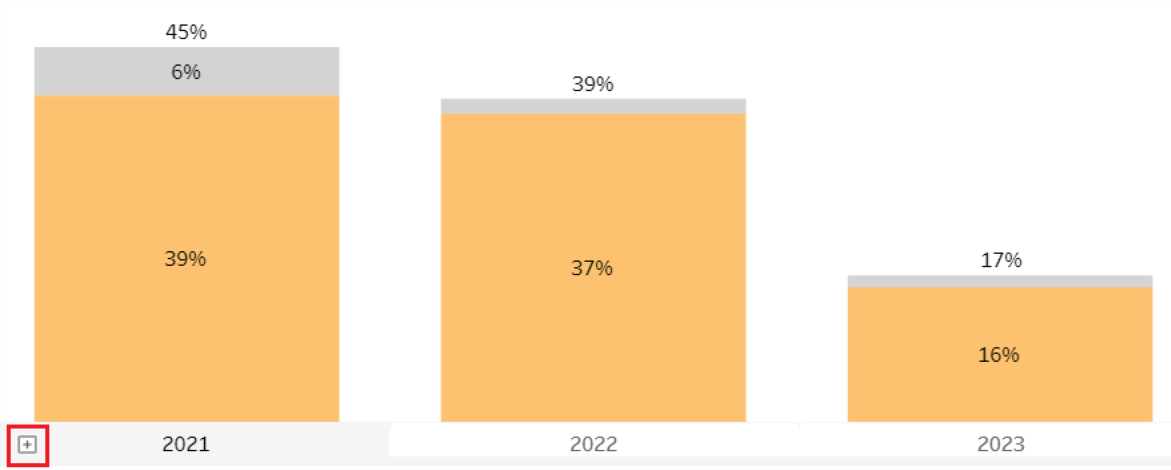
This means that these Years can be expanded into Quarters and Months.
How to Use Hierarchies
To expand a field, hover over the field and then click on the [+].
For example, if you would like to expand the chart into a quarterly Breakout, press the [+].
Now the view is broken out quarterly. If you would like this view to return to be broken out by year, hover over the years and press the [-].
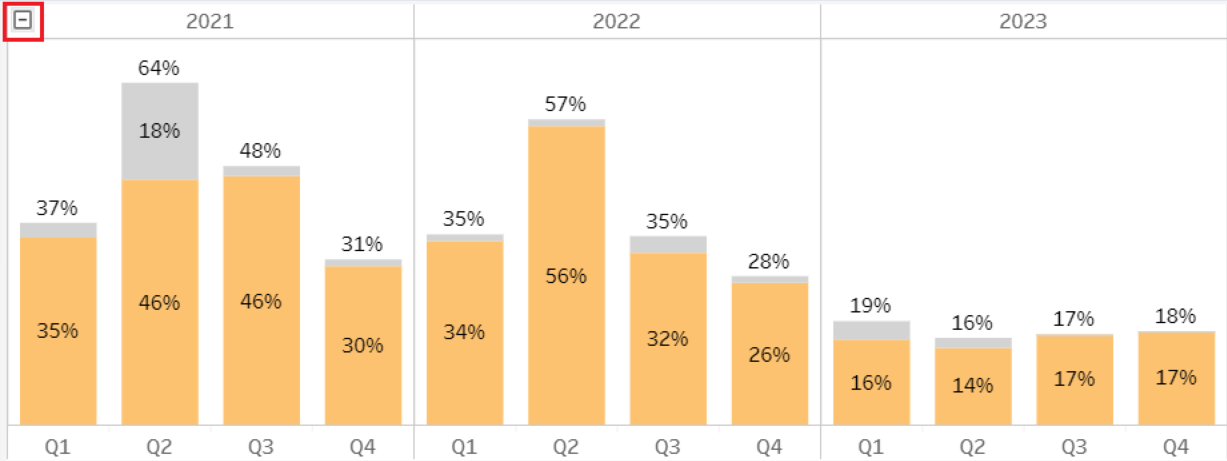
If you would like the chart to be broken down into a monthly view, hover over the quarters and press the [+].
If you have fields that are in a natural hierarchy, they may not be defaulted into expandable fields. Please talk to your PeopleInsight analyst to inquire further.