
The Pause Auto Updates feature is extremely helpful to reduce the run the time while applying filters. Normally, every time a filter is applied, the solution runs a query in the background. Sometimes, this can slow things down if you want to apply multiple filters. This is where the pause auto updates feature comes into play. This article will go over the use case of the Pause Auto Updates feature and how to use it.
Use Case of the Pause Auto Updates Feature
When you hit the Pause button, you're telling the system to hold off on running any queries until you're ready. This allows you to apply as many filters as you need without waiting for each query to finish. Once you're done, just hit Resume, and the system will execute the queries all at once, ultimately saving you time.
How to Use the Pause Auto Updates Feature
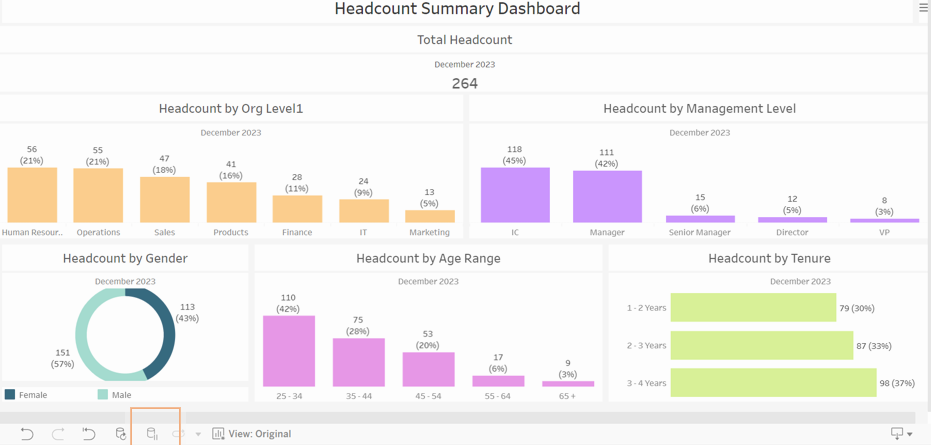
Step 1: Click the Pause Auto Updates button at the bottom of the screen.
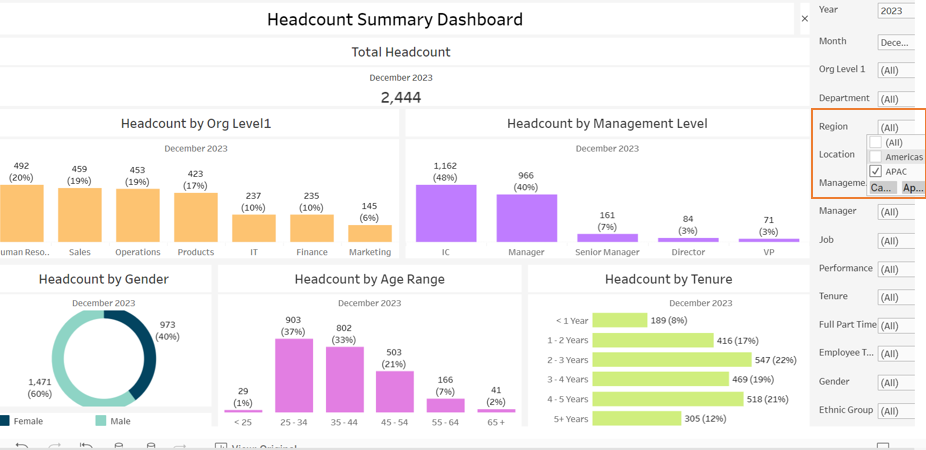
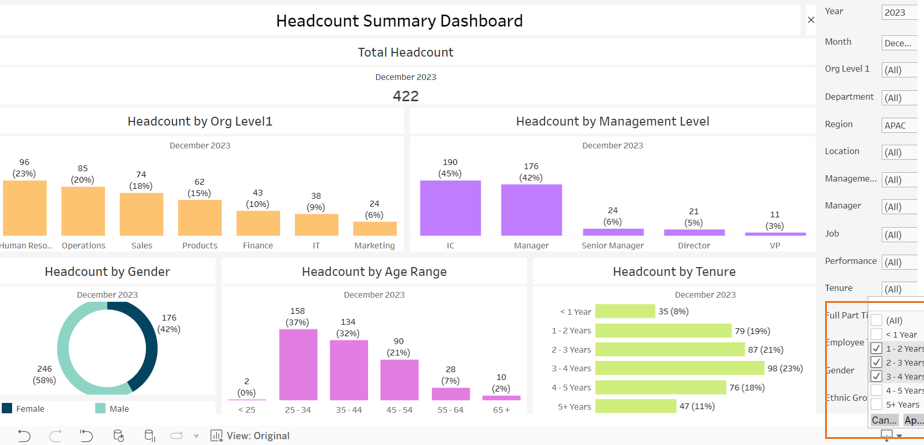
Step 2: Apply your desired filters.
Step 3: Click the button again. Should show as “Resume Auto Updates.”
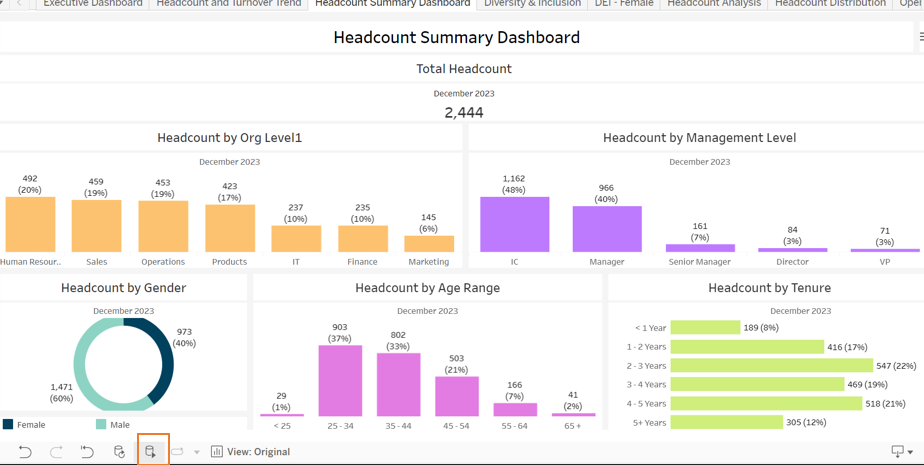
Pressing the Resume Auto Updates button will trigger PeopleInsight to execute all of the filter queries at once, ultimately saving the user time.