This article will walk through the process of resetting your password. This includes if you have forgotten your password, or would just like a new one. As such, this article is broken down into two sections:
Changing Your Password Before Logging In
1.Go to https://yourpeopleinsight.com
2. Click on “Have you forgotten your password?”
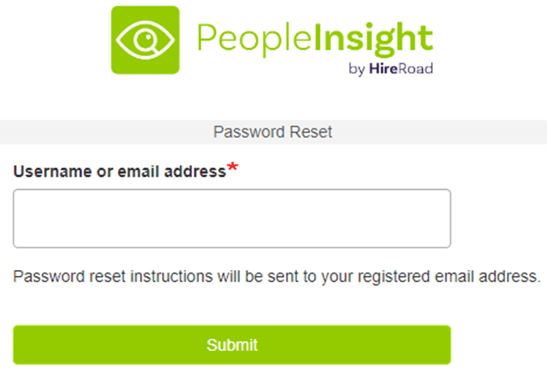
3. Enter your e-mail address and then press “Submit”.
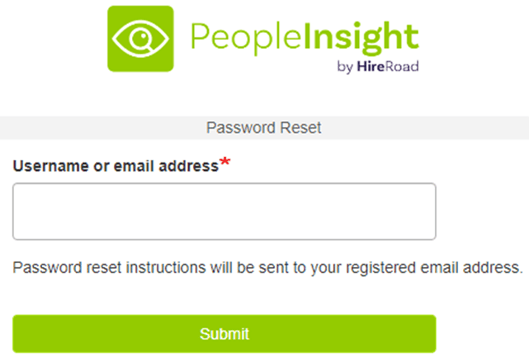
4. Check your e-mail for a password reset e-mail and follow the instructions to reset your password.
Changing Your Password After Logging In
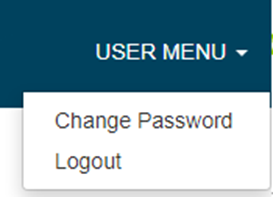
1. In the top right corner of the screen, click “USER MENU” then “Change Password”.
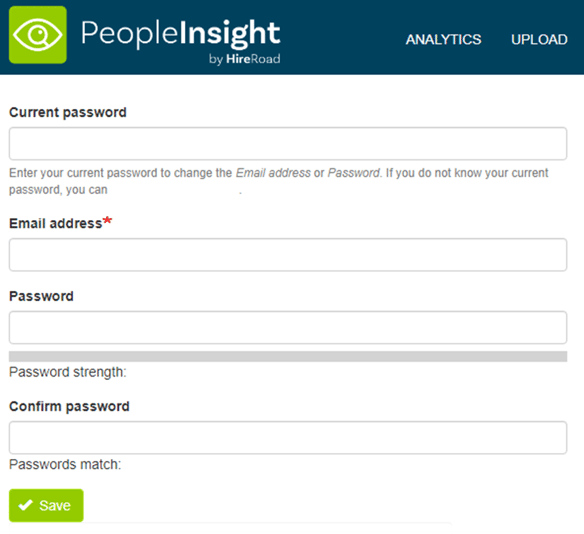
2. Enter your current password, new password, and confirm your new password.