
How do I create a development portal? I want to test out the new UI and I can do that in our Dev portal per emails from your team. How do I make a dev portal? How do access our dev portal
If you are a Pro client of ours you will have access to the customer manager. This allows you to create your own dev (development) portal. See these links about the customer manager: https://info.hireroad.com/learn/hr-learn-multi-portal-multi-tenant-management-through-the-customer-manager.
You can create your own development portal within the customer manager. Go to https://customermanager.inquisiqlms.com/ and sign in with your admin credentials. This will allow you to see all portals presently that you have.
- Once logged in, you will be on the landing page of the customer manager
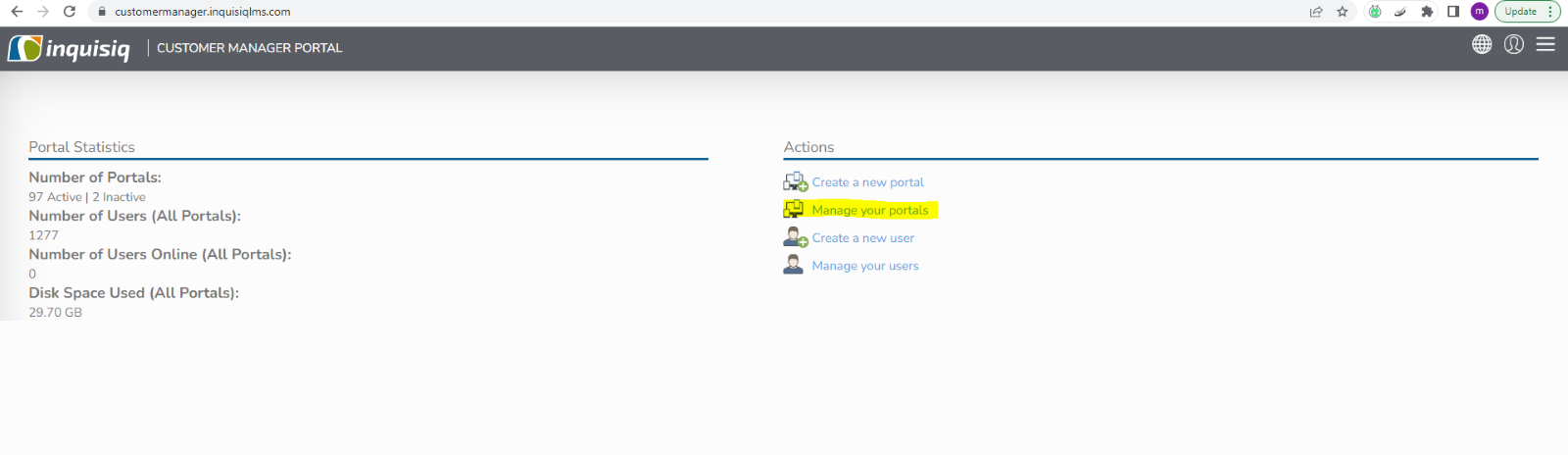
- Click on your portals
- Click on New Portal

- A new screen will pop up with the option to add features to the new portal. Fill out the required red stars and choose which options and features you want for this portal.
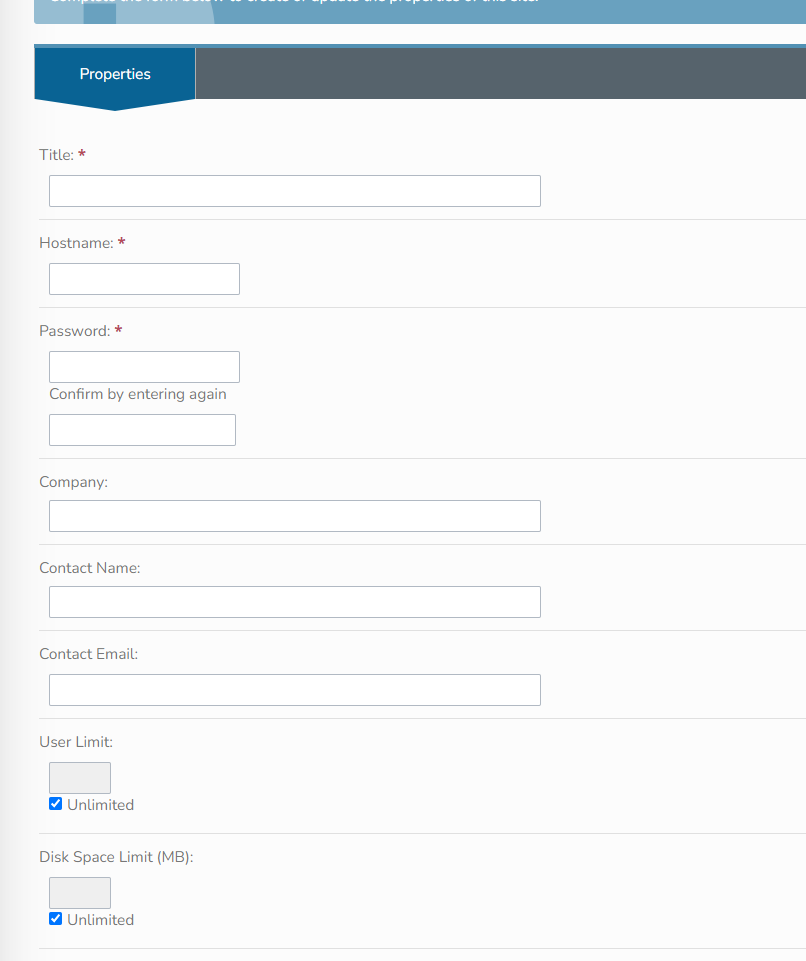
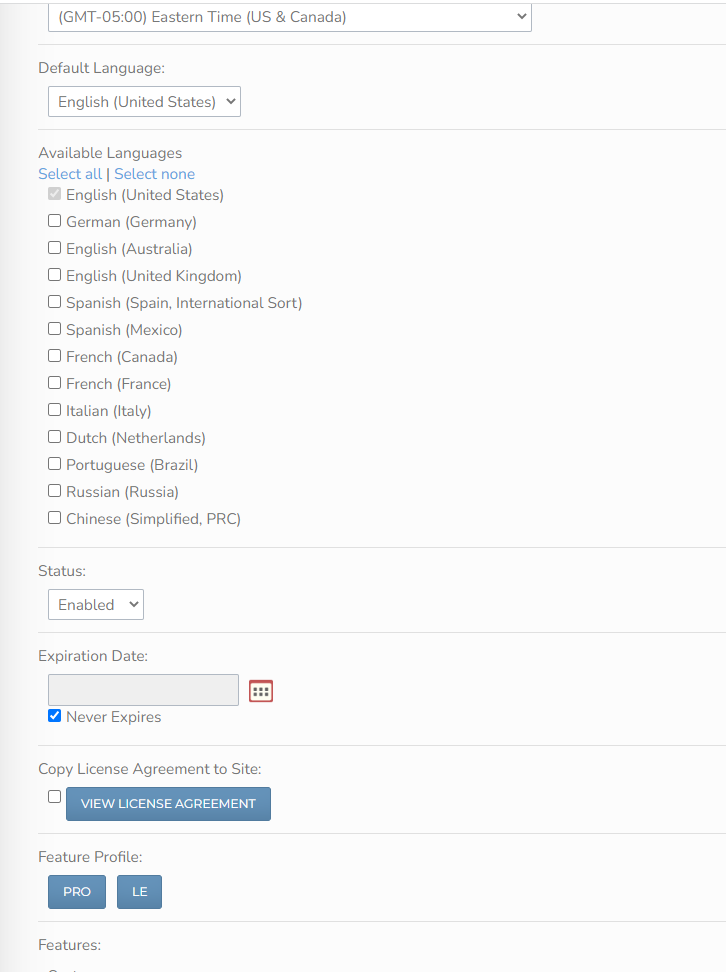
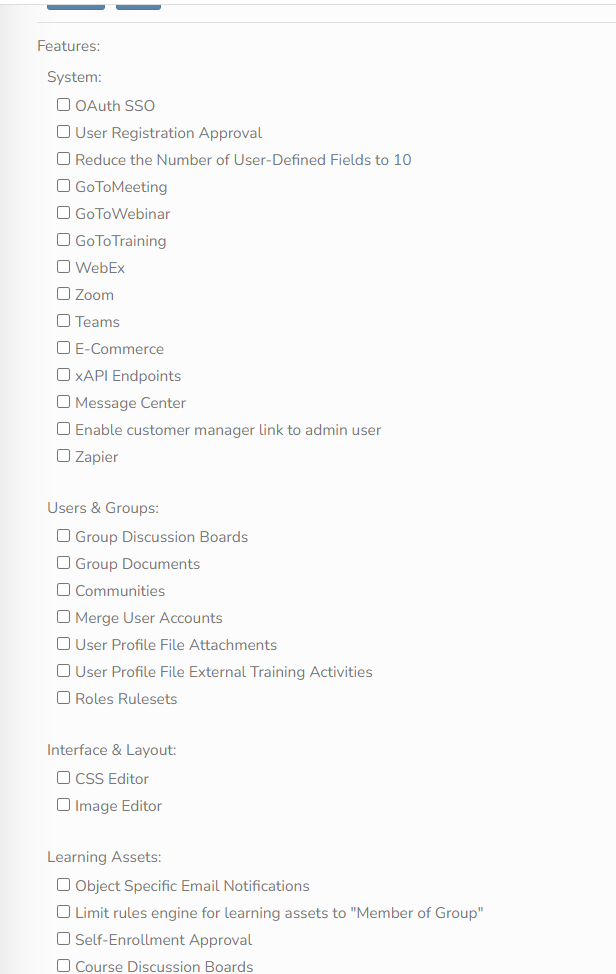
- Click create portal
- Now you have a blank dev portal for testing content, features and the new UI.