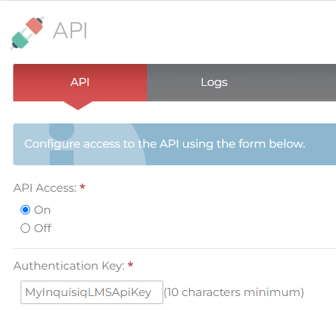
To enable the Inquisiq LMS API, sign into your portal as an administrator, and go to System > API. Set the radio button for “API Access” to “On.” Then, create your API key in the “Authentication Key” field. Your API key should be at least 10 characters long and should not be predictable or easily guessed. Once you have configured your API, click “Save Changes” to save your API configuration.