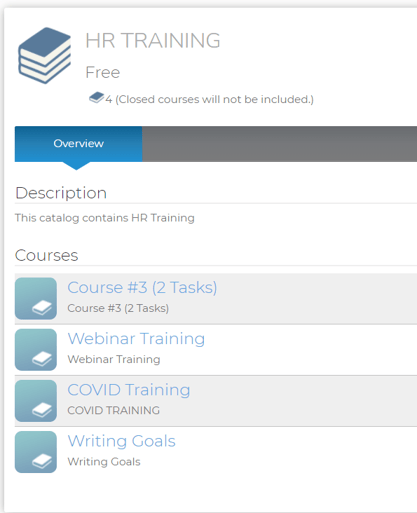
You can prevent users from enrolling in entire catalogs via the Course Catalog by configuring the catalog to be "Closed". You may consider doing this if you want your users to enroll in the courses in a catalog individually and not all at once. To do this, follow the steps below:
1. Highlight the specific catalog title from the course catalog menu.
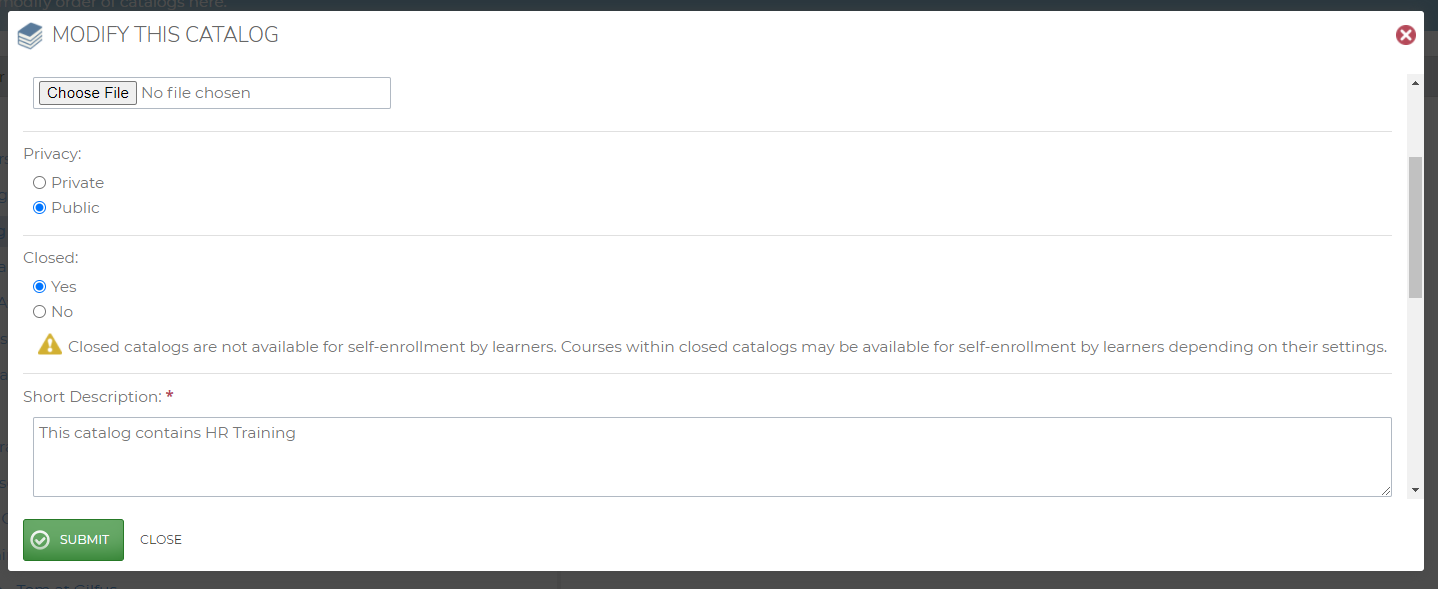
2. Click “Modify Catalog” to edit the catalog settings.
3. Set “Closed” to “Yes.”
This will remove the “Enroll” button from the catalog, but still allow users to open the courses in the catalog and enroll in them one at a time.