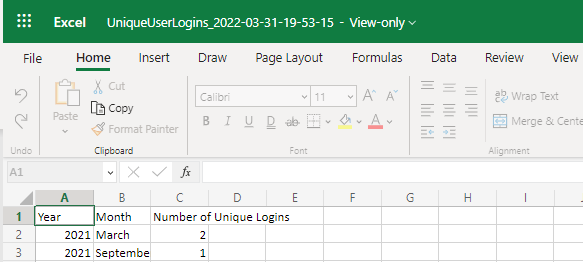
A custom dataset/custom report can potentially be built by our engineering team in order to capture data that is not available from the built-in datasets. Below is a sample report and the necessary requirements to evaluate whether our team can complete the report requested. This helps build a baseline of what will be needed in the report and the final product.
Columns – This is all the potential data that can be captured in a report. An example of a column is the username of the end user that may end up in the report that the LMS has captured data for.
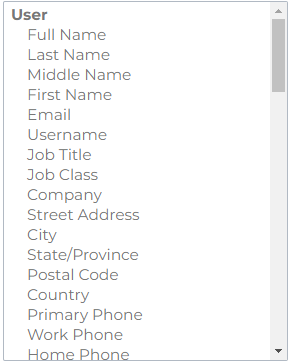
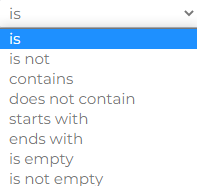
Filter – This narrow done the amount of data that potentially may be supplied in the report. Filters can be set on any columns selected to be part of the report.
Requirements Needed to Build Report
There are several questions that need to be answered to help us guide you in this process of getting the right report for your needs. The more information provided in these questions will expediate the process of building out the desired report for your dataset. Fill out the questions below with as many details as possible and we will begin the journey of getting the right report with the desired data for you. We have provided some examples of custom datasets created before.
Examples:
Course descriptions, System level user ids, Learning path percentage complete, Certification assessments, invoices, etc.
Date Range – Is there a date range needed for data being captured in the report?
What is the current data you are exporting?
Which report(s) have you tried?
What is the use case to build this new report?
What are the parameters/columns you are trying to bring onto one report?
|
Requirements |
Examples |
|
Columns |
|
|
Filters |
|
|
Date Range |
|
In the example below we are collecting the data of year, month, and number of unique logins. This mockup may look like an example below.
Can you provide a mockup of what the report should look like?
|
Requirements |
Examples |
|
Columns |
Year, Month, Number of Unique logins |
|
Filters |
No filters needed |
|
Date Range |
No date range needed |