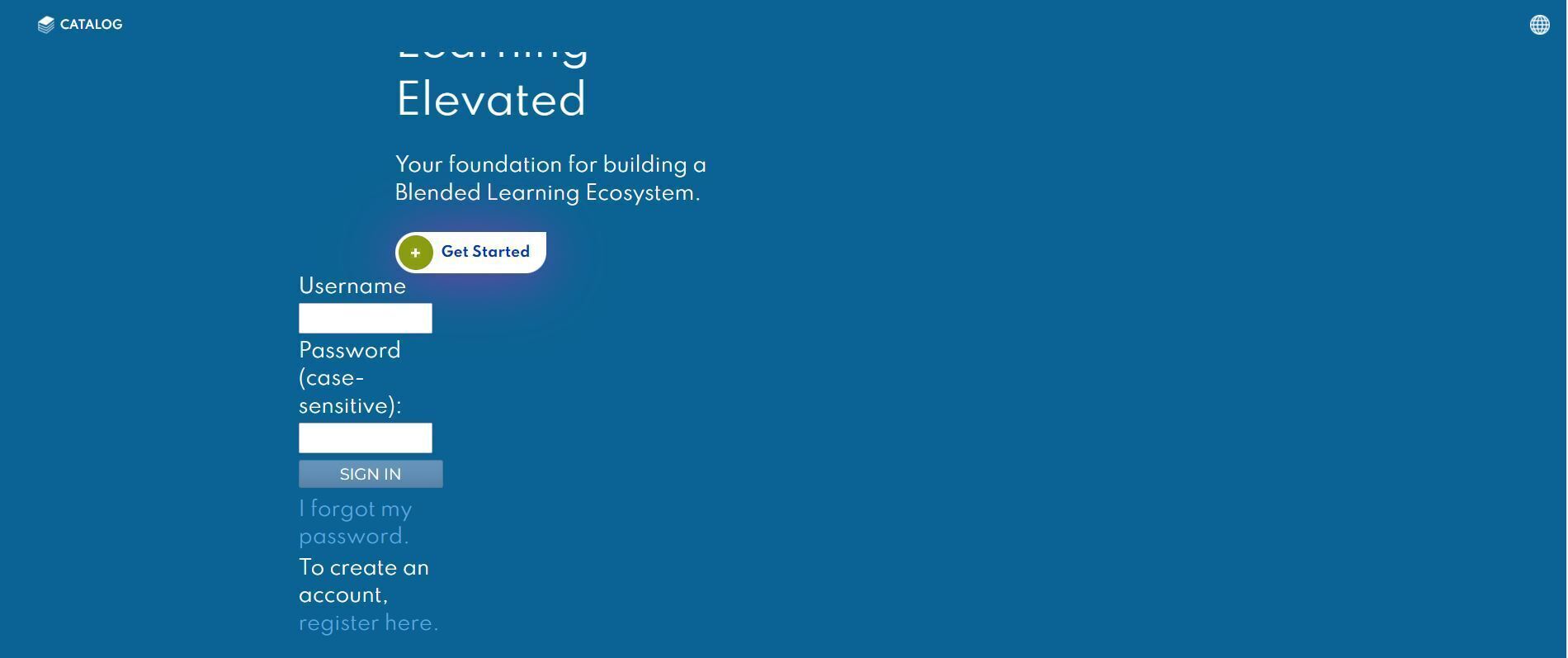
If you are interested in adding the user login form/login window directly to your home page, please following the outlined instructions:
1. Navigate to Admin Menu > Interface and Layout > Home Page
2. Listed below is the coding that you will need to add to the homepage for the login form to appear:
##login_form##
3. An example of the results could be as follows: