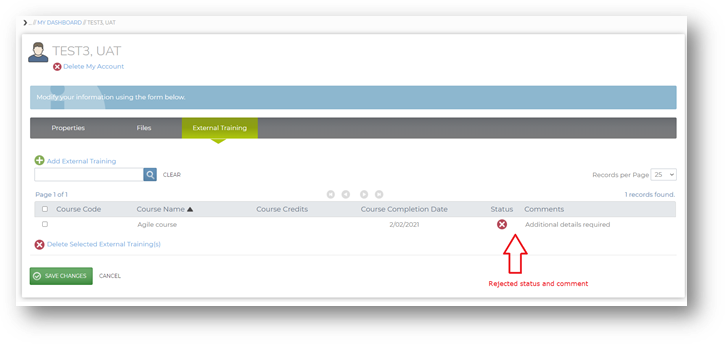
As of release 1.20, learners will see an ‘External Training’ tab under the my profile section. Learners will be able to add external training record to their profile.
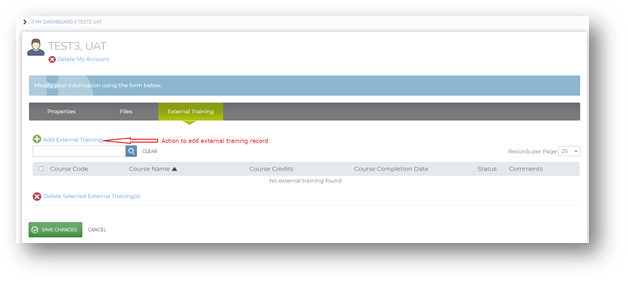
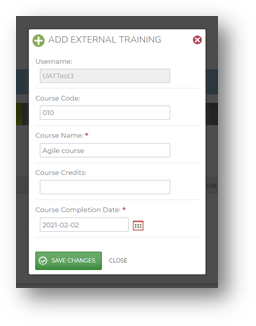
On clicking add external training action, you will see a new window where the external training details can be added.
As the admin approval configuration is enabled, you will see that the status of the newly added external training is pending approval.
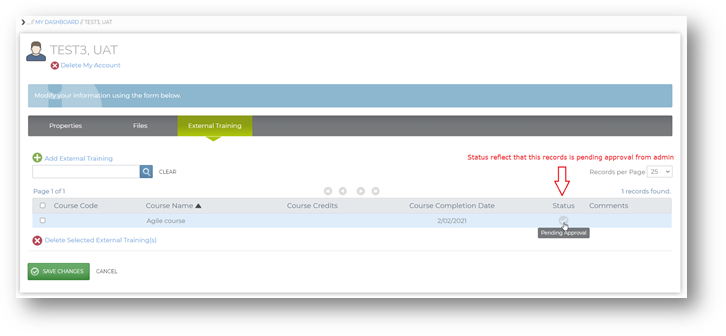
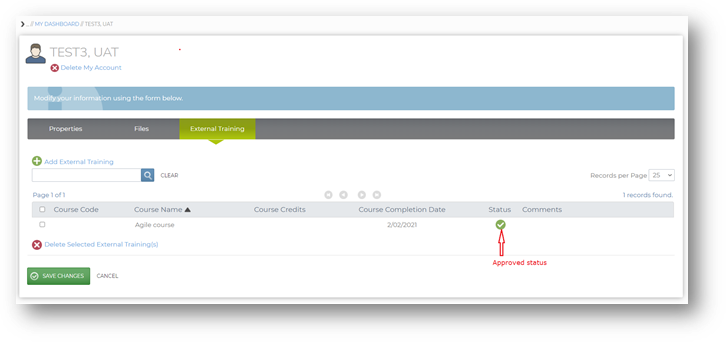
The admin will review your upload. If approved, the record will move to learner transcript and training status will show approved in the external training section.
If rejected, the admin can choose to give learner a reason for rejection and that will be available for the learner to review in the external training comment field.