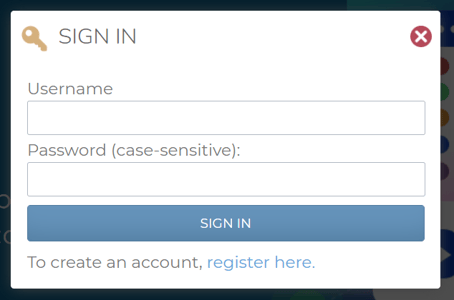
If your Administrator has enabled users to create their own accounts, you will see a link under the “Log In” form that says, “To create an account, register here.” Click the “register here” link. You will then be taken to a registration form. Fill out the form fields, paying attention to required fields and any other instructions as configured by your Administrator, and click the “New Account” button at the bottom of the form. If you filled out the form with all required and relevant information, and your Administrator does not need to approve your registration, you will get a “success” message, and a “click here” link to log into the LMS portal. Click the link to log in to your new LMS user account.