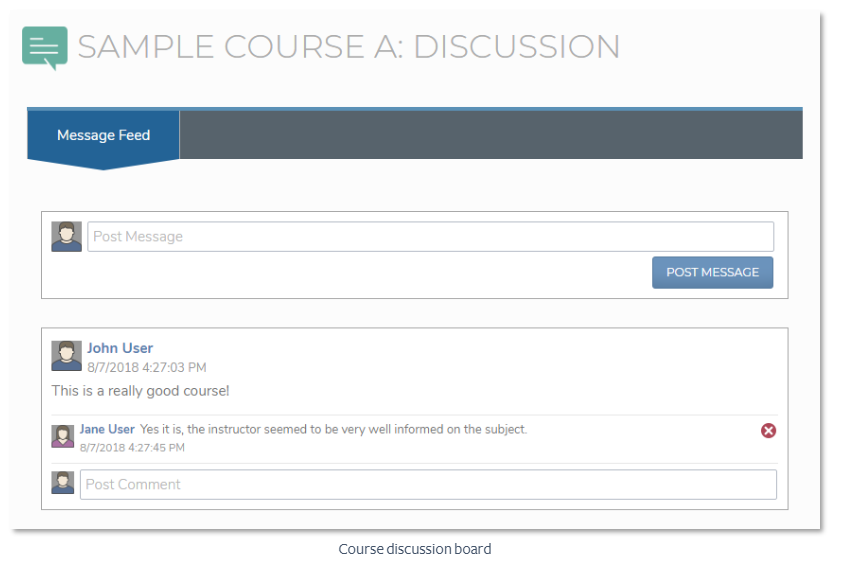
Discussion Boards are a group-oriented messaging system that can be attached to courses and communities/groups. To visit a course or community’s discussion board, click the icon for that course or community from your “Enrollments” and “My Communities” widgets. Clicking the icon will take you to the discussion board for that course or community. From there, you can view and participate in discussions relevant to that course or community. To post a new message to the discussion, enter your message in the “post message” field, and click the “Post Message” button. Your message will be posted to the discussion, or if your administrator has turned on moderation for the discussion, it will be sent to a moderator for approval. You may also comment on other user’s posts by entering your message in the “post comment” field and pressing the “Enter” button on your keyboard. Note that comments on posts are subject to the same moderation rules as new posts.