
The “Certificates Widget” located in the Learner Dashboard shows all certificates you have earned by completing courses and learning paths or for certificates that have been manually awarded to you by an administrator.
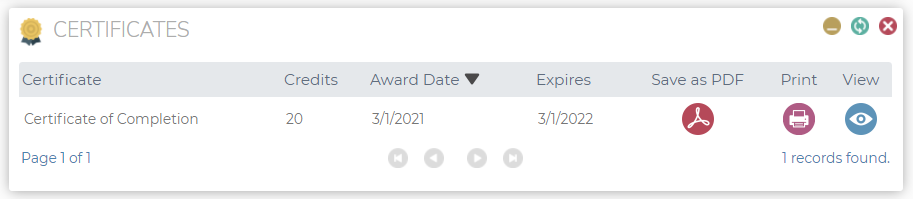
You can download, print, or view your certificates using the following buttons:
- PDF: Clicking this button will generate and download a PDF file for the certificate.
- Print: Clicking this button will print the certificate.
- View: Clicking this button will open the certificate for viewing.
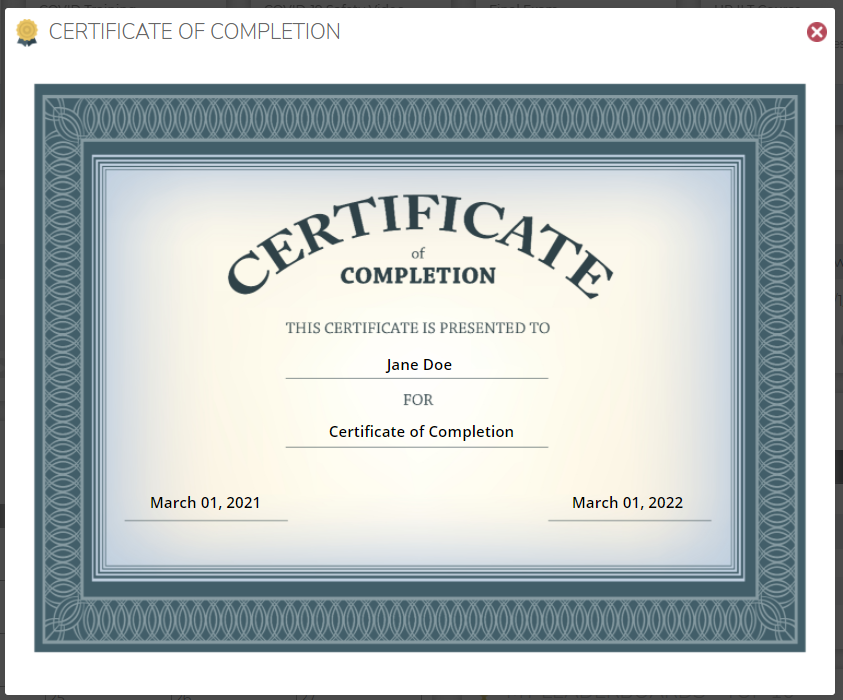
Opened certificate shown on "View" icon click