
In order to add a cost to your courses, learning paths, ILT session, and/or catalogs, you will need to enable the eCommerce feature with the LMS and configure it with one of the available payment gateway providers. HR Learn currently supports three PCI compliant payment gateways: PayPal – Website Payments Standard, and Authorize.net DPM (Direct Post Method), and Stripe.
In order to use either of these gateways, you will need to have a merchant account with the provider. Add your details under system->eCommerce section to configure PayPal.
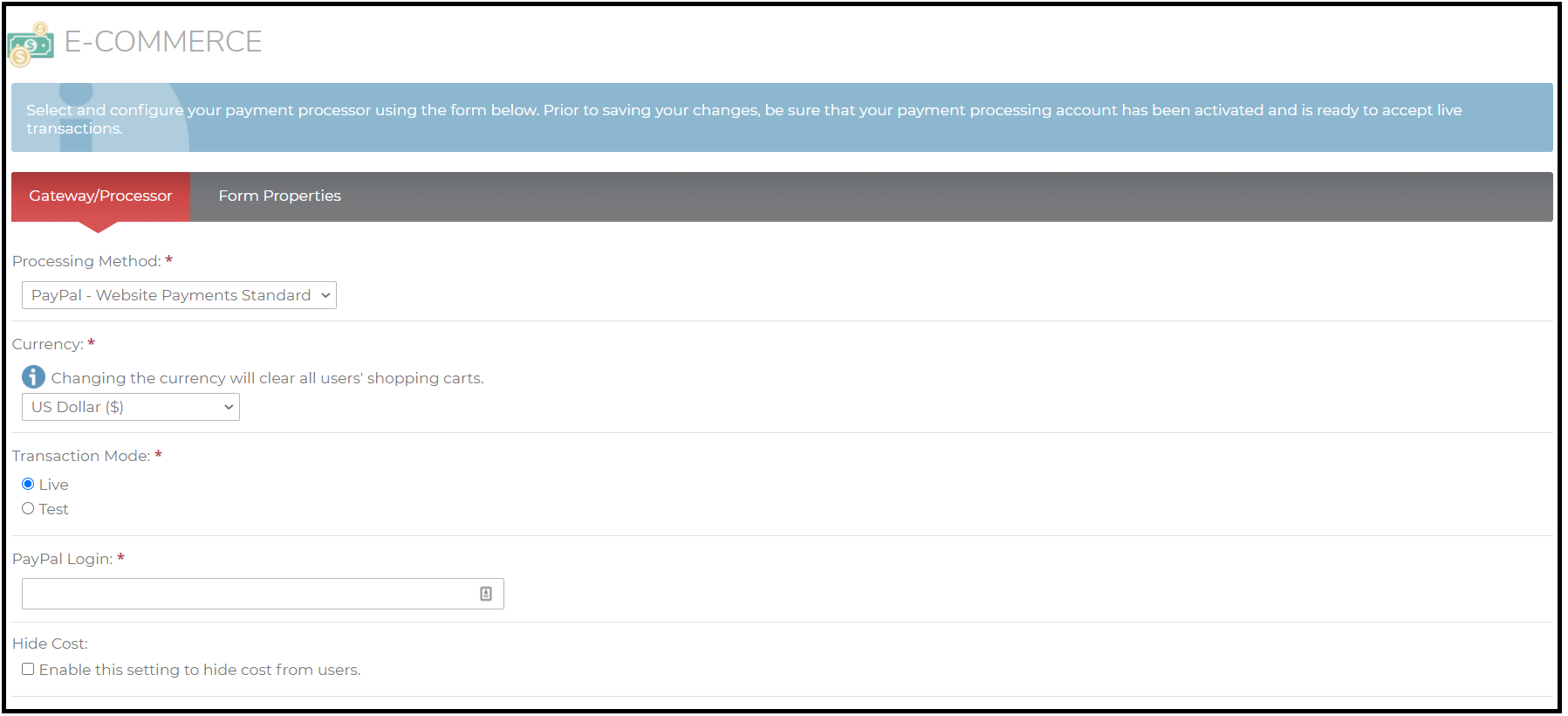 The PayPal payment processor has your users purchase the courseware outside of the LMS UI. Upon clicking “Buy Now”, the user is prompted to input any coupon codes that are available. After this window, the user is prompted to complete the purchase in PayPal within one hour. At this point, the user has not been enrolled in the course(s) yet. If they complete the purchase in their PayPal account within one hour, they will be enrolled in the course(s).