
In the new UI, when uploading a PDF file for a task type module, the system only accepts the file extension in 'PDF' not 'pdf' format. An end user will receive an error in red with an exclamation mark in a triangle (screenshot below) if they upload a file with the lower case 'pdf' text. The system will upload the file in below formats only:
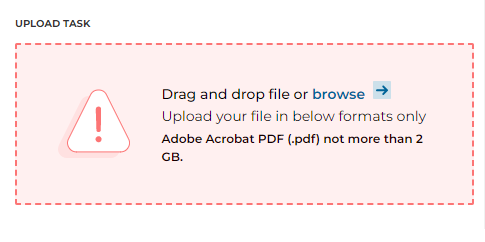
When the extension is in uppercase for 'PDF', the user will receive this error message. By changing the file extension to lowercase 'pdf' it will work and upload successfully. The file extension should look like afile.pdf when uploading.
Here is how you can change a file extension after saved to your computer:
https://www.easeus.com/partition-master/change-file-extension-in-windows-10.html